Step 1.

Create the credential
Once the guest is verified and the stay is eligible, Bright Access creates the correct digital credential.
 Bright Access
Bright Access connects identity, permissions, digital keys, and access logs across rooms, parking, gates, and staff areas, giving hotels more control with less manual key management.
Compare plans and estimate your return. Choose what fits your property and get started with BrightOS.
The problem
Room keys, parking gates, staff areas, maintenance access, companion access, lost keys, and expired credentials create constant operational friction. Guests need access that works immediately. Staff need control, security, and auditability. Bright Access gives the hotel a connected access layer tied to the guest journey and operational roles.
Step 1.
Once the guest is verified and the stay is eligible, Bright Access creates the correct digital credential.
Step 2.
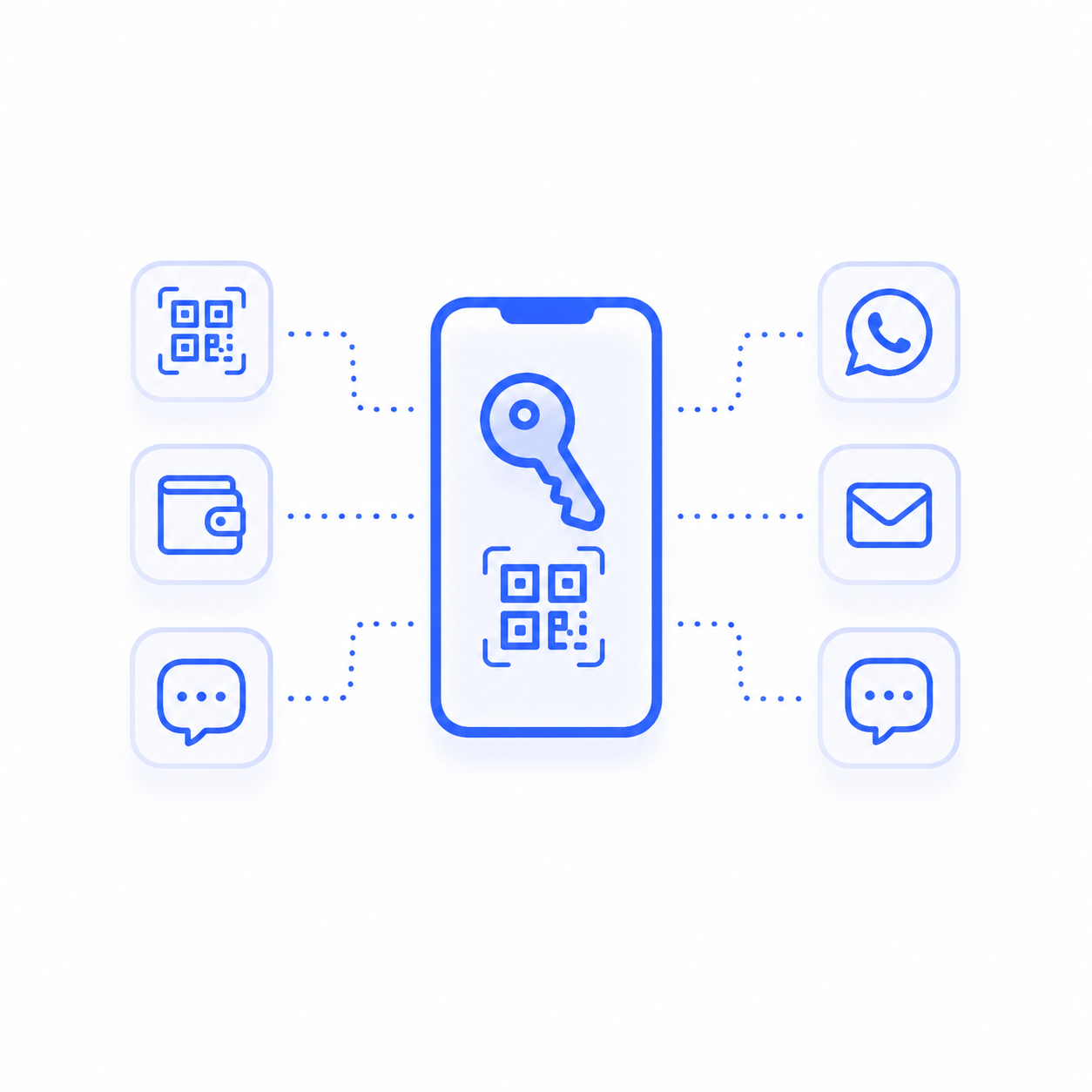
The guest receives access through QR, wallet, SMS, WhatsApp, email, or the configured delivery method.
Step 3.
Access can be limited by room, time, user, area, role, or operational need.
Step 4.
Lost, expired, changed, or extended access can be revoked or renewed without manual key handling.
Step 5.
Server-side logs help operators understand when and where credentials were used.
Bright Access
Guests can receive a credential before arrival and use it for the right room or access point.
Rooms, parking, gates, staff areas, back-of-house zones, and operational areas can be included in the access model.
Housekeeping, maintenance, managers, contractors, and guests can have different access rights based on need.
Access can be changed quickly when a reservation is modified, extended, cancelled, or flagged.
Encrypted credentials, least-privilege permissions, and server-side logs support operational control.
Business impact
See how Bright Access can modernize access control across your property. Schedule a free demo with our AI assistant.